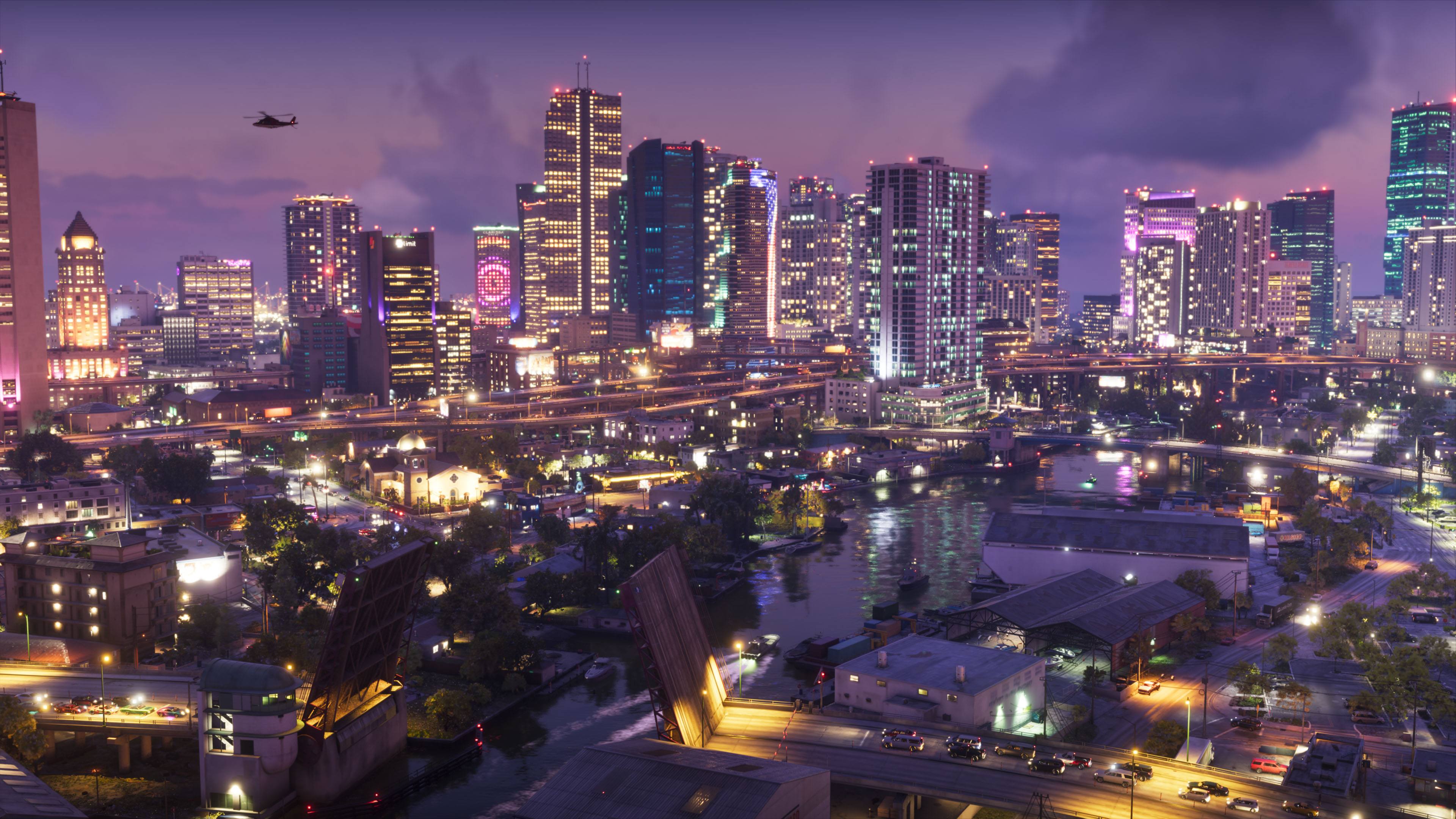
Turn on Game Mode, calibrate HDR on the console, and turn off your TV's motion smoothing. GTA 6 runs at 30 fps on consoles at launch, so a clean, bright, low-lag picture matters more than 120Hz.
Checked 2026-11-10 against PlayStation and Xbox support pages.
On your TV
- Game Mode on. It cuts input lag, which you'll feel when driving and aiming. Many TVs switch automatically (ALLM) when a console is detected.
- Motion smoothing off. Settings like TruMotion, Motionflow or Auto Motion Plus add lag and make 30 fps look odd. Game Mode usually turns them off.
- Use the right HDMI port. Many TVs have only one or two ports labeled for 4K/120 or gaming.
- Picture mode: start from a Game or Filmmaker-style mode, not Vivid. Let the console's HDR calibration handle brightness.
PS5 settings
- HDR on: PS5SettingsScreen and VideoVideo OutputHDR and choose "On When Supported".
- Calibrate HDR: PS5SettingsScreen and VideoVideo OutputAdjust HDR
- VRR and 120Hz live in the same Video Output menu. They help games that run above 30 fps; GTA 6 at launch doesn't, so they're optional.
Xbox Series X|S settings
- Calibrate HDR: XboxSettingsGeneralTV & display optionsCalibrate HDR for games
- Check what your TV supports: "4K TV details" in the same TV & display options menu.
- 120Hz and VRR: under TV & display options (Refresh rate, and Video modes). 4K at 120Hz needs a Series X, an HDMI 2.1 TV and an Ultra High Speed HDMI cable. Optional for GTA 6 at 30 fps.
Do you need a new TV for GTA 6?
No. Any 4K HDR TV with a Game Mode will do. If you're buying anyway, prioritize good HDR brightness and contrast (OLED or a bright mini-LED) and low input lag over a high refresh rate, since GTA 6 launches at 30 fps. How GTA 6 runs on each console →
Questions
What are the best TV settings for GTA 6?
Turn on your TV's Game Mode, run the console's HDR calibration, and use the HDMI port your TV labels for 4K/120Hz or gaming. GTA 6 runs at 30 fps on consoles at launch, so picture quality (HDR, motion settings off) matters more than high refresh rates.
Should I turn on 120Hz for GTA 6?
It won't make GTA 6 faster: the console versions run at 30 fps at launch (Rockstar North's studio head, reported). Leaving 120Hz output on does no harm for other games.
Does GTA 6 support HDR?
Rockstar hasn't published a list of display features yet. Set up HDR on the console anyway; the console's calibration applies to every game that supports HDR.
How do I calibrate HDR on PS5?
Go to Settings > Screen and Video > Video Output > Adjust HDR and follow the three screens, making the symbol just barely visible each time.
How do I calibrate HDR on Xbox?
Go to Settings > General > TV & display options > Calibrate HDR for games and follow the steps.